Boardroom Definition
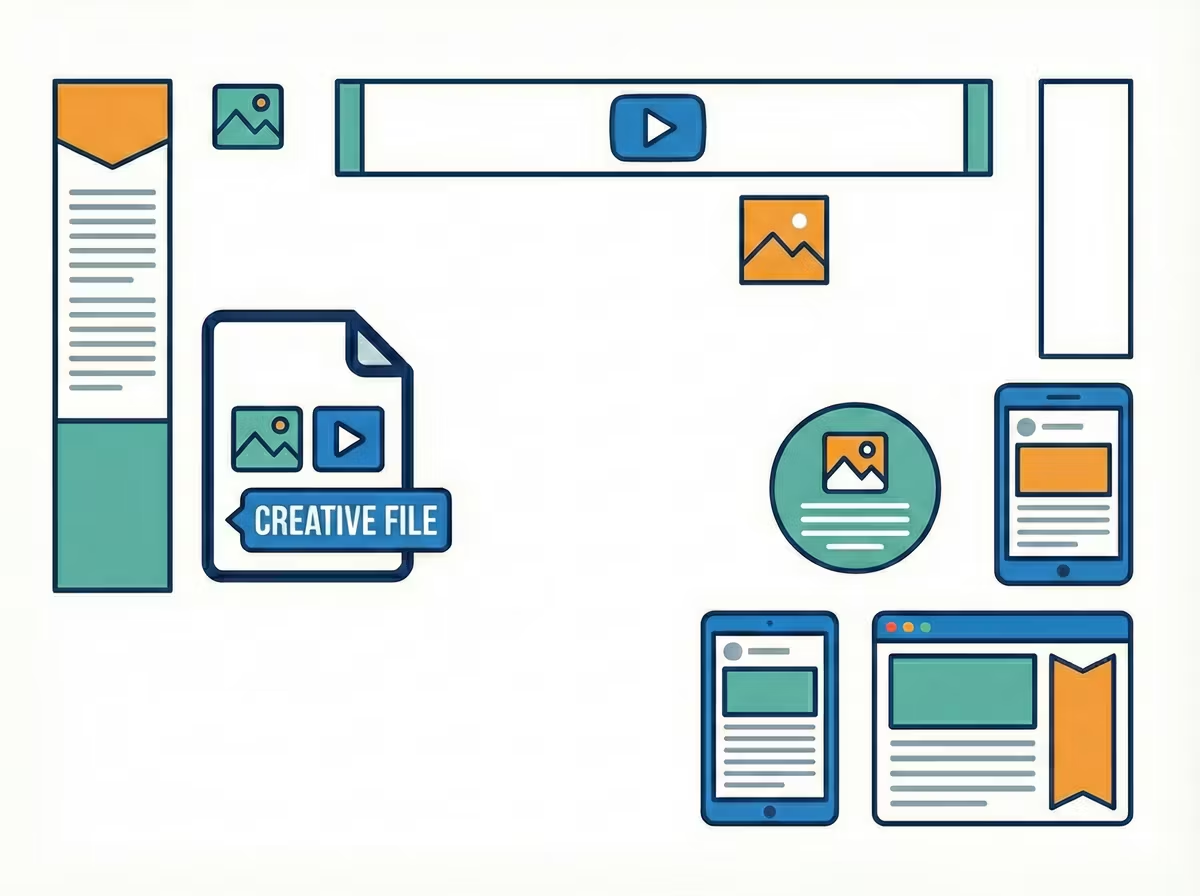
In media planning, a Format refers to the standardized specifications of an advertising unit, defined by its pixel dimensions (e.g., 300x250), aspect ratio (e.g., 16:9), and interactivity (e.g., Static vs. Rich Media). It acts as the container for the creative message. Standardizing formats allows advertisers to scale campaigns across thousands of different publishers and platforms without creating unique assets for every single website.
The choice of format is the primary variable in the Relative Cost Efficiency equation. A "cheap" CPM is meaningless without considering the format's engagement potential.
Screen Share Density = (Ad Unit Pixel Area / Total Device Viewport Area) * 100
- Standard Display (320x50): Low Screen Share (<10%). Low engagement, low cost.
- High Impact (Interstitial): High Screen Share (100%). High engagement, premium cost.
This "Screen Share" variable explains why a "good" CPM varies wildly: a programmatic display CPM might efficiently range from $3–$8, while premium Connected TV (CTV) often ranges from $25–$45 due to the format occupying the entire screen.
The Real Scoop
In 2026, the concept of "Format" has shifted from strict pixel dimensions to Aspect Ratios. With the dominance of mobile consumption, the "Vertical" format (9:16 or 4:5) has become the primary asset class across LinkedIn, Instagram, and TikTok because it occupies more screen real estate than traditional "Landscape" (16:9) video.
The "Insider" reality is that "Format" is the single biggest driver of price. "Good" is strictly relative to the format. Comparing the CPM of a Display Banner to a Video Pre-Roll is not just apples-to-oranges; it is financial malpractice. You must always benchmark against the specific vertical and format rather than a global average.
Watch Outs
- The "Letterbox" Fail: Running a standard landscape TV commercial (16:9) in a vertical Story format (9:16) results in massive black bars and a tiny video, killing engagement.
- Visual Truncation: Formats behave differently on different devices. On smaller mobile screens, text may be cut off visually even if it fits the data character limit. You must respect the "Safe Zone" of the format.
- App-Specific Quirks: A "Post" format on LinkedIn behaves differently than a "Sponsored Content" format. For example, text-only posts have different truncation points for the "See More" button compared to image-led posts.
- We built our Free Character Counter tool with a built in truncation check to ensure you know when your text is likely to be cut off.